
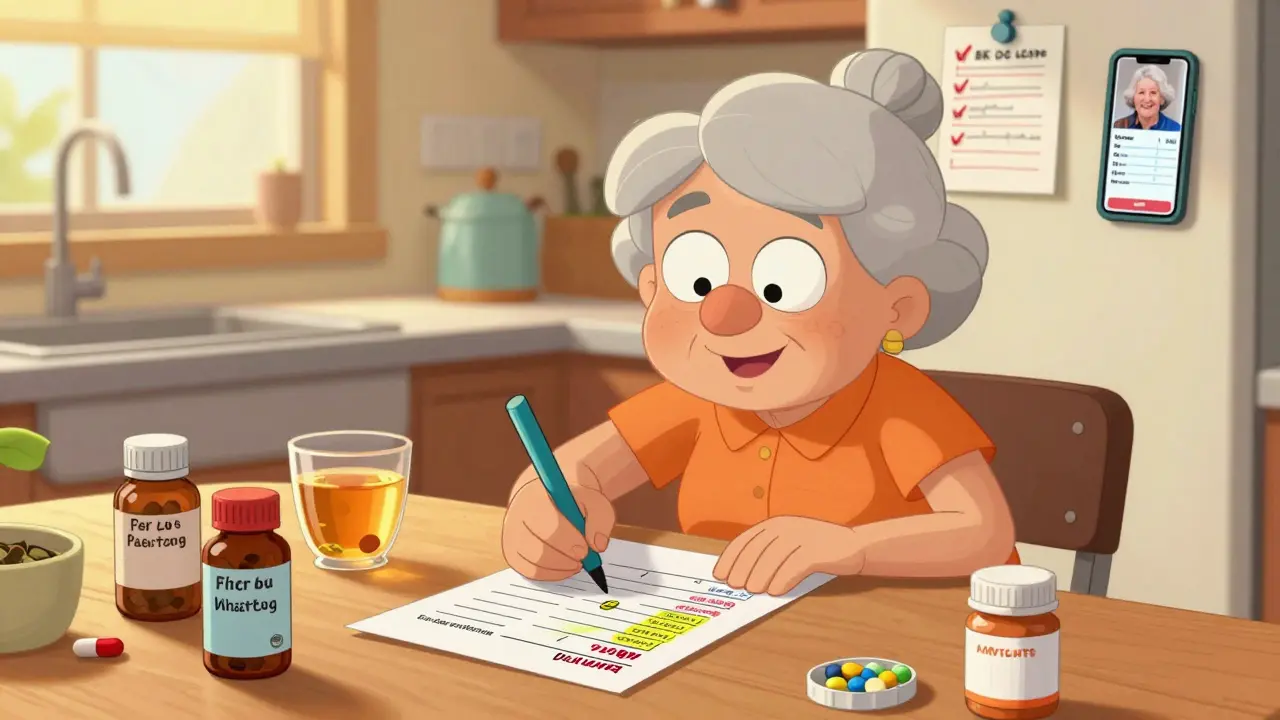
Medication List Checklist Tool
Your Medication List Checklist
Make sure your medication list includes all essential elements to prevent dangerous errors. Check off each item as you add it to your list.
Keeping track of every pill, supplement, and herbal remedy you take isn’t just helpful-it can save your life. When you’re on five or more medications, mixing them up, forgetting a dose, or not knowing what interacts with what becomes a real risk. In fact, medication errors send over 1.3 million people to U.S. emergency rooms every year. The good news? A simple, well-kept medication list cuts that risk dramatically. And you don’t need fancy tech or expensive apps to get started. Free, ready-to-use templates-both printable and digital-are all you need.
Why a Medication List Matters More Than You Think
Think about this: You walk into the ER after a fall. You’re disoriented. The doctors ask, "What are you taking?" If you can’t answer accurately, they have to guess. That’s dangerous. A 2022 study found that 67% of ER patients couldn’t correctly list their own medications. That’s not just forgetfulness-it’s a safety gap. A clear, updated list helps doctors avoid harmful interactions. It prevents duplicate prescriptions. It tells a pharmacist if your blood thinner conflicts with that new OTC painkiller. It even helps when you switch doctors or get hospitalized. The FDA calls it a "must-have" for every patient. Dr. Michael Steinman from UCSF says structured lists reduce medication errors during hospital transitions by 42%. That’s not a small number. That’s life-changing. And it’s not just for seniors. Over 54% of adults over 65 take five or more prescription drugs. But even younger people managing chronic conditions, mental health meds, or multiple supplements benefit. If you take anything regularly-prescription, OTC, vitamin, or herbal-you need a list.What Should Be on Your Medication List?
Not all templates are created equal. Some ask for too little. Others ask for too much. The best ones strike a balance. Here’s what every solid medication list should include:- Medication name (brand and generic, if applicable)
- Dosage (e.g., 10 mg, 500 mg)
- Frequency (e.g., once daily, twice a week, as needed)
- Purpose (what condition it treats-e.g., "high blood pressure," "joint pain")
- Prescribing doctor (name and phone number)
- Pharmacy (name and number)
- Allergies and reactions (include rashes, nausea, swelling)
- Over-the-counter (OTC) drugs (ibuprofen, antacids, cold meds)
- Vitamins and supplements (vitamin D, fish oil, magnesium)
- Herbal products and traditional remedies (turmeric, elderberry, traditional medicines)
- Date of last update (critical for knowing if it’s current)
- Special notes (e.g., "take with food," "avoid alcohol," "store in fridge")
Top Free Printable Templates
If you prefer paper, you’re not alone. Nearly 68% of caregivers use printed lists. Here are the best free printable options:1. Family Caregivers Online Template
This one stands out because it’s available in both PDF (for printing) and Microsoft Word (for editing). That means you can print it, fill it by hand, then scan it and update it digitally later. It includes all 12 key fields, plus a note section for special instructions. They even recommend keeping a copy in your fridge, wallet, and car-and taking a photo of it for your phone. It’s simple, clean, and designed by caregivers for caregivers.2. PrintFriendly Medication List
This template has nine essential fields and is formatted for quick printing. It’s ideal if you want something minimal but complete. The "notes" field is especially useful for people with complex regimens. It doesn’t have a space for herbal remedies or traditional medicines, so you’ll need to add those manually. But it’s easy to use and widely downloaded.3. CDC’s Tribal Community Template
Unique among free templates, the CDC’s version includes a dedicated section for "traditional cultural medicine." This isn’t just a checkbox-it’s a field where users can write in remedies passed down through generations. It’s been praised in Native American health communities, with 92% satisfaction in a 2023 survey. Even if you don’t use traditional medicine, this template’s clarity and focus on inclusivity make it a strong choice.4. ASCP Foundation Template
Created by the American Society of Consultant Pharmacists, this is the gold standard in professional circles. Hospitals and nursing homes often use it. It’s detailed, well-organized, and trusted by clinicians. But it’s not the easiest for non-professionals to fill out. It’s better if you’re working with a care team who already uses it.Best Digital Options (No App Needed)
You don’t need to download an app to go digital. Many free templates work on your phone, tablet, or computer without signing up for anything.1. SimpleNursing Drug Card Templates
These are PDFs you can edit on any device with free software like Adobe Acrobat Reader. They come in three formats: full page, single flashcard (great for carrying in your wallet), and four-per-page (for printing a mini-set). The flashcard version is perfect for people who forget to carry their full list. It includes space for "mechanism of action" and "nursing considerations," which sounds clinical-but if you’re curious about how your meds work, it’s actually helpful.2. Family Caregivers Online’s QR Code Update (June 2024)
This is a game-changer. Their latest Word template now includes a QR code. You print the list, scan the code with your phone, and it opens the digital version instantly. No more carrying paper. No more forgetting to update. Just scan, edit, save, and print again when needed. It’s the best of both worlds.3. SingleCare’s Caregiver Checklists
They offer five free templates, including one designed specifically for caregivers managing multiple people’s meds. It includes checkboxes for "meds taken today," "refill due," and "side effects noted." It’s not as clean as others, but if you’re juggling pills for a parent or partner, this one gives you structure you won’t find anywhere else.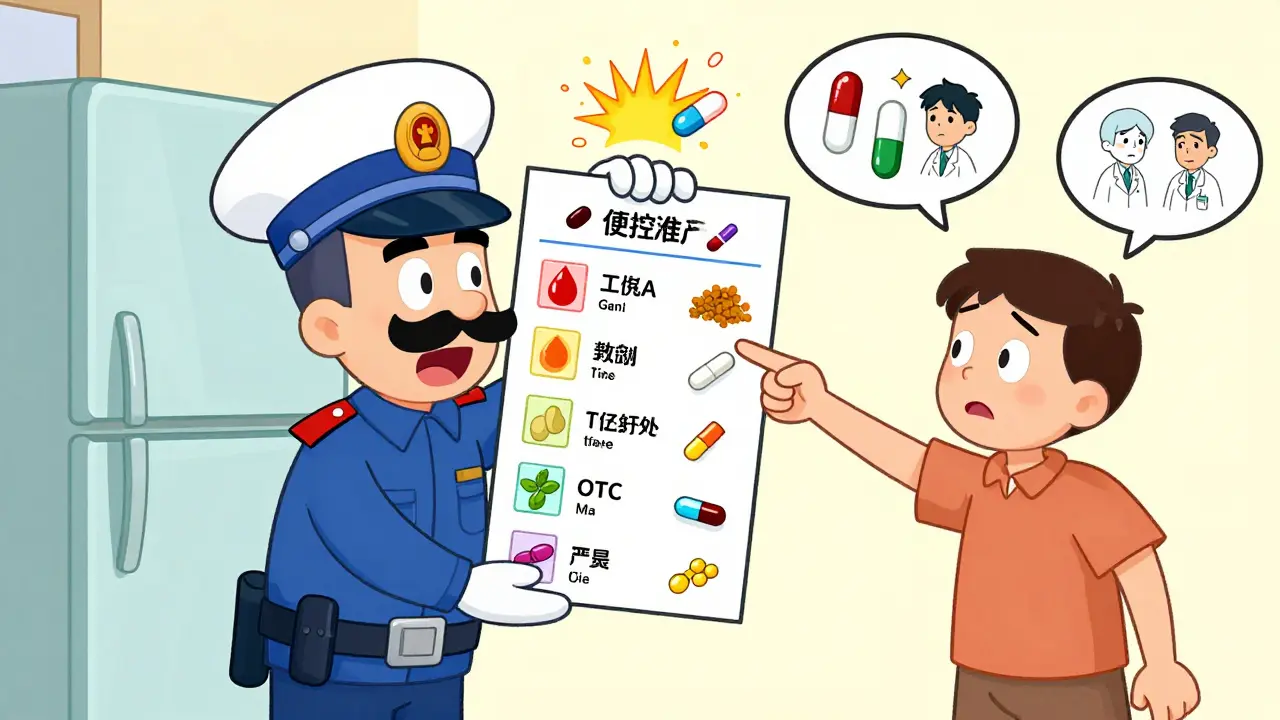
What to Avoid
Not all templates are worth using. Here’s what to skip:- Templates with more than 10 fields-they’re overwhelming. A 2024 study found elderly patients were 57% less likely to update lists with too many boxes.
- Canva templates with flashy designs-they look nice but often cut out key fields like "purpose" or "allergies."
- FDA’s website-they give great advice but don’t offer a downloadable template. Use their guidelines, but pick a real template to fill out.
- Templates without an "update date" field-if you can’t tell when it was last changed, it’s useless.
How to Use Your Template (Step-by-Step)
1. Gather everything-pull out all your pill bottles, supplement jars, OTC boxes. Don’t forget the ones in your bathroom, purse, or car. 2. Fill in the list-write down each one with name, dose, frequency, and why you take it. Be specific. "Aspirin 81 mg daily for heart" is better than just "aspirin." 3. Include everything-yes, even the turmeric capsules and the herbal tea you drink every night. 4. Write the date-today’s date. That’s your anchor. 5. Choose your format-print one, save a digital copy, or do both. 6. Share it-give a copy to your doctor, pharmacist, and primary caregiver. Leave one in your wallet. Keep one on your fridge. Take a photo and save it in your phone’s "Emergency Info" folder. 7. Update it every month-set a calendar reminder. When you refill a prescription, update the list. When you stop a med, cross it out and write "discontinued."Real Stories: What Happens When People Use These
One Reddit user, "NanaHelper2023," says her mom’s stroke was handled safely because paramedics saw the fridge copy. It listed her blood thinner and warned against NSAIDs. The ER team avoided a deadly interaction. Another user on AgingCare.com, "MedMinderMom," printed five copies but never updated them. "I wish it synced with my phone," she said. That’s the problem with paper-outdated lists are worse than no list at all. A 2024 Johns Hopkins study found 19% of medication lists brought to appointments had discontinued meds. That’s a ticking time bomb. But users who updated their digital templates monthly had zero errors.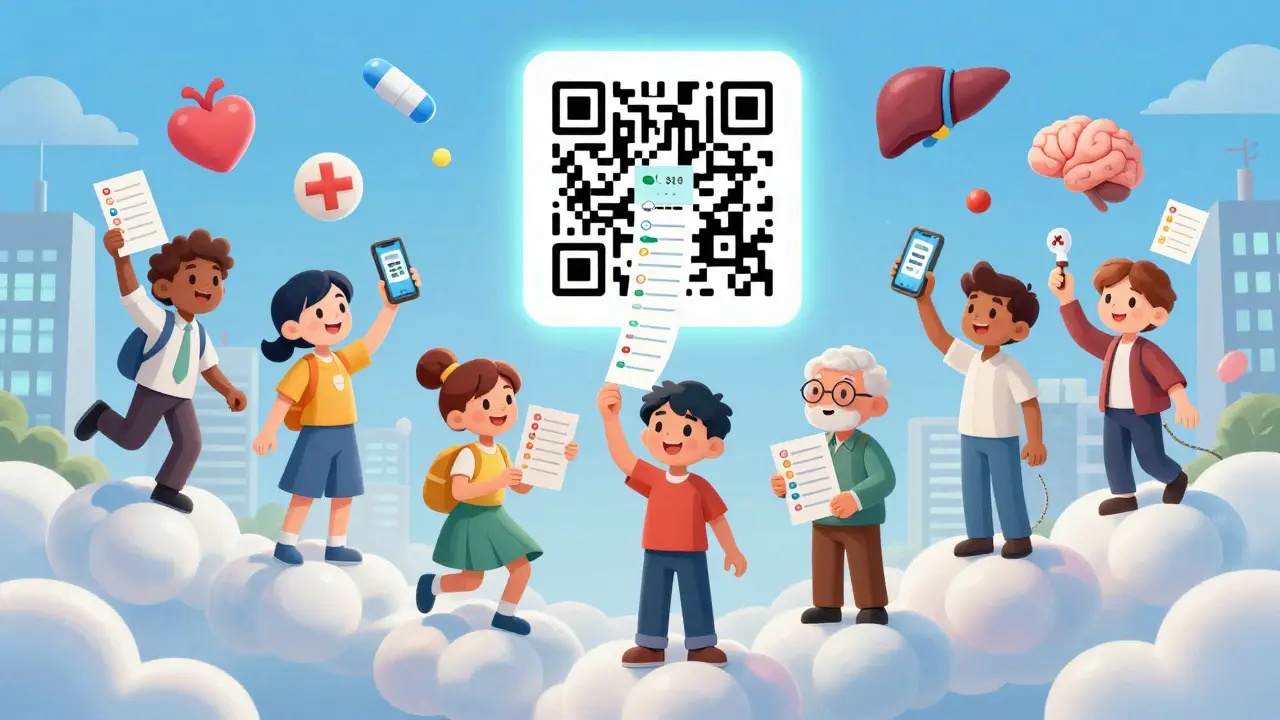
Future of Medication Lists
The future isn’t paper. Gartner predicts that by 2026, 75% of medication lists will be on smartphones. New templates are adding QR codes, cloud backups, and even AI suggestions. MIT’s prototype can auto-update your list by syncing with your pharmacy records-once you give permission. But for now, the best tool is still the free, simple template you update regularly. You don’t need AI. You just need consistency.Final Tips
- Update your list every month-even if nothing changed.
- Carry a copy with you when you travel or see a new doctor.
- Keep a digital backup on your phone, not just in the cloud.
- Teach your caregiver how to use it. Don’t assume they know.
- If you’re helping someone else, make the list part of your routine-not a one-time task.
Medication safety isn’t about having the fanciest app. It’s about having a list you trust-and one you update. Start today. Print one. Fill it out. Save it. Share it. Your next doctor’s visit-or emergency-will thank you.
What’s the difference between a medication list and a medication card?
A medication list is a full, detailed record of everything you take, including prescriptions, supplements, and OTC drugs. A medication card is a condensed version-often a single card or small printout-designed to fit in your wallet or purse. Cards usually include only the most critical info: name, dose, frequency, and doctor. Cards are for quick reference. Lists are for full safety.
Should I include herbal supplements and traditional medicines?
Yes, absolutely. Herbal products like turmeric, echinacea, or ginkgo can interact with blood thinners, diabetes meds, and blood pressure drugs. Traditional remedies-such as teas, poultices, or culturally specific treatments-also carry risks. The CDC’s template includes a dedicated space for this because it’s not optional. Ignoring these increases your chance of a dangerous interaction.
Can I use a smartphone app instead of a template?
Apps like Medisafe or Round Health offer automation and reminders, which are helpful. But they require setup, account creation, and internet access. If you’re not tech-savvy, or if your phone dies, you’re left without your list. Free templates work offline, are instantly accessible, and don’t require downloads. Use an app if you want automation-but always keep a printed or digital backup.
How often should I update my medication list?
Update it every month. Set a reminder on your phone for the first day of each month. Also update it immediately after any change: a new prescription, stopping a med, starting a supplement, or changing your dose. Outdated lists are dangerous. A 2024 study found 19% of lists brought to appointments had discontinued meds-meaning people were still taking pills they’d stopped.
Where’s the best place to keep my printed medication list?
Keep copies in three places: your wallet (for emergencies), your refrigerator (so paramedics can see it), and with your primary caregiver. Also, take a photo of it and save it in your phone’s "Emergency Info" section. Don’t just keep it in a drawer. If you’re hospitalized or have an accident, the people helping you need to find it fast.
Is it safe to store my medication list in the cloud?
Cloud storage is convenient but carries privacy risks. In 2023, a third-party service breach exposed 12,000 users’ medication lists. If you store it digitally, use a password-protected file on your device or a secure app. Never leave it in an unsecured Google Drive or iCloud folder. A printed copy is always safer if you’re worried about hacking.
Can I use a template if I’m not elderly?
Absolutely. Medication lists aren’t just for seniors. Younger people on antidepressants, birth control, thyroid meds, or chronic pain treatments benefit just as much. Even if you only take two meds, a list prevents mix-ups and helps new doctors understand your history. Anyone taking regular medication should use one.
What if I can’t read or write well?
Ask a family member, pharmacist, or nurse to help you fill it out. Many templates are designed to be read aloud. You can also use voice-to-text on your phone to dictate your meds. The goal isn’t perfect handwriting-it’s accurate information. A caregiver or clinic can help you create and maintain it.
Do hospitals accept patient-created medication lists?
Yes. Since 2022, CMS requires hospitals to document complete medication lists during admission. Many hospitals now use the ASCP Foundation template as a standard. Even if you bring a handwritten list, staff will use it as a starting point. It’s better than nothing-and often more accurate than what they guess from memory.
What if I don’t know the name of my medication?
Look at the pill bottle or box. If you can’t find it, take a picture of the pill and show it to your pharmacist. They can identify it. Don’t guess. If you don’t know what you’re taking, you can’t manage it safely. Always write down the generic name if you know it-it’s more reliable than brand names.
Next Steps
- Go to Family Caregivers Online or CDC’s site and download a template today.
- Gather your meds and fill it out in one sitting.
- Print one copy. Save a digital copy. Share with your doctor.
- Set a monthly calendar reminder: "Update medication list."
It takes less than 15 minutes. But it might save you from a hospital visit next time.


Post A Comment